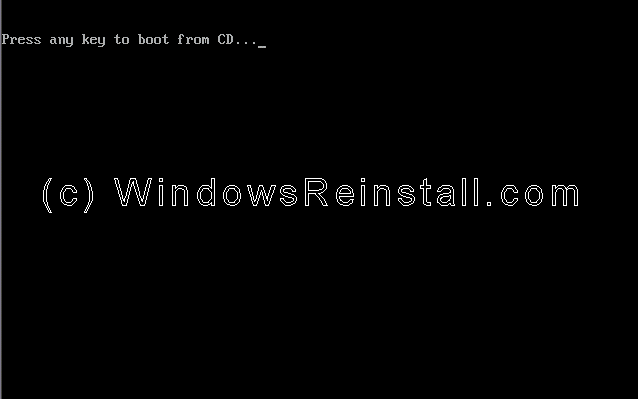
To begin insert your Windows XP Professional CD and reboot you computer. A message "Press any key to boot from CD....." will appear, press the space bar to continue.
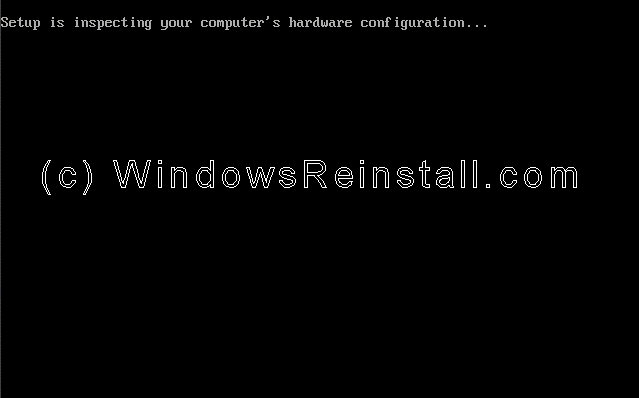
Setup will now inspect your computer hardware and configuration.
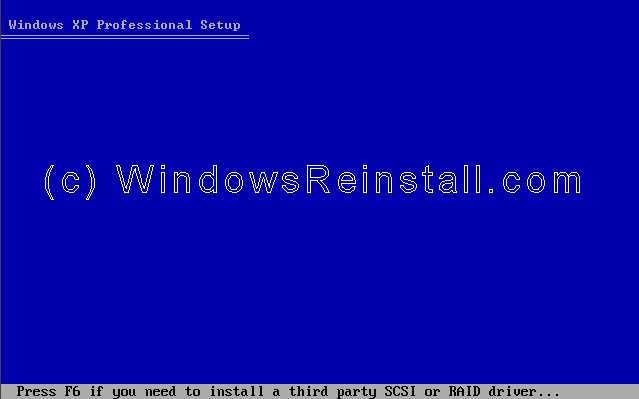
Setup now prepares your computer for install.
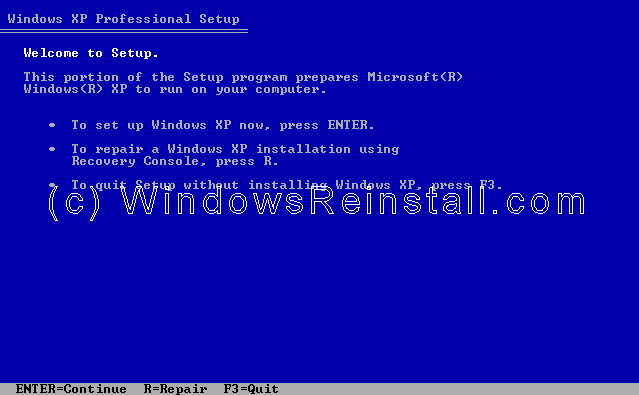
From this menu press "ENTER" to begin the install.
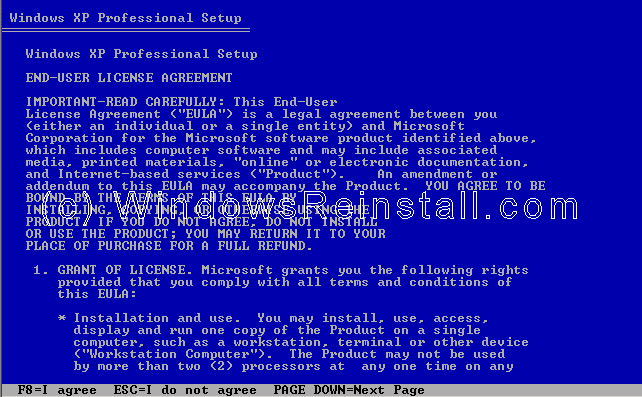
Windows XP License agreement, read, and if you agree press "F8" to continue, press "ESC" if you disagree. If you disagree setup will finish.
Windows XP Professional Parallel install Part 2
| 
