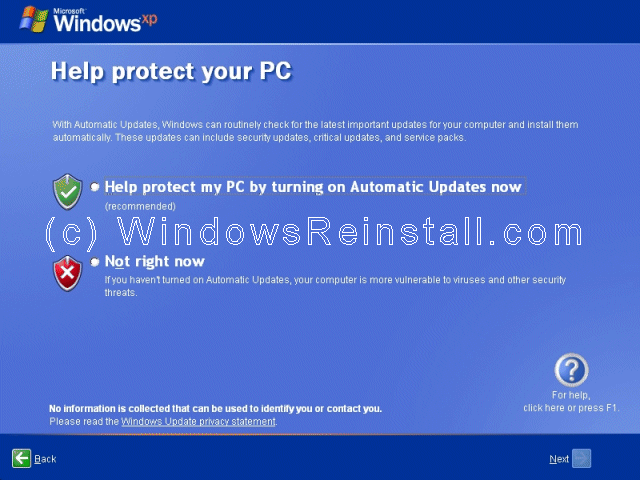
"Help protect my PC" screen now appears, click top option to enable Microsoft's Firewall, Automatic updates and virus checker warning. It is recommended to do this even if you wish to put your own firewall on later. Only select "Not Right Now" if you not intend to use the internet. Once you select your option, press "Next".
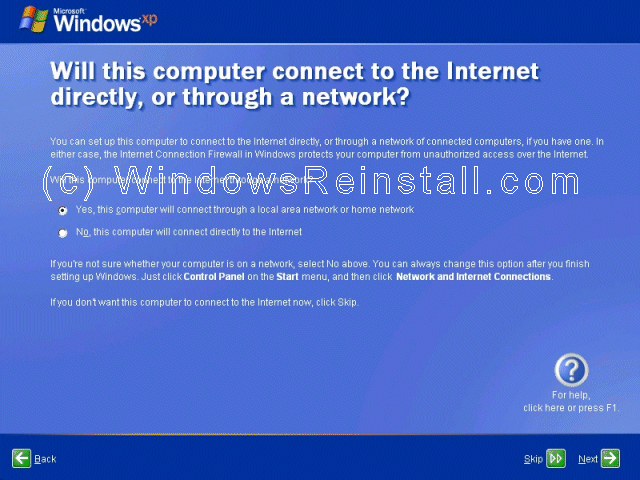
Internet connection option is next. If your computer connects to a home network or directly using the network card, or is on a network then select "Yes", otherwise select "No".